What is My3DMonitor?
My3DMonitor is a dashboard for makers, small print farms, and growing 3D printing businesses to monitor printers, track production, and understand cost and profit.
My3DMonitor is 3D printer monitoring software for makers, small print farms, and growing 3D printing businesses. Monitor multiple printers in one Moonraker printer dashboard, track print events automatically, and calculate real print cost and margin.
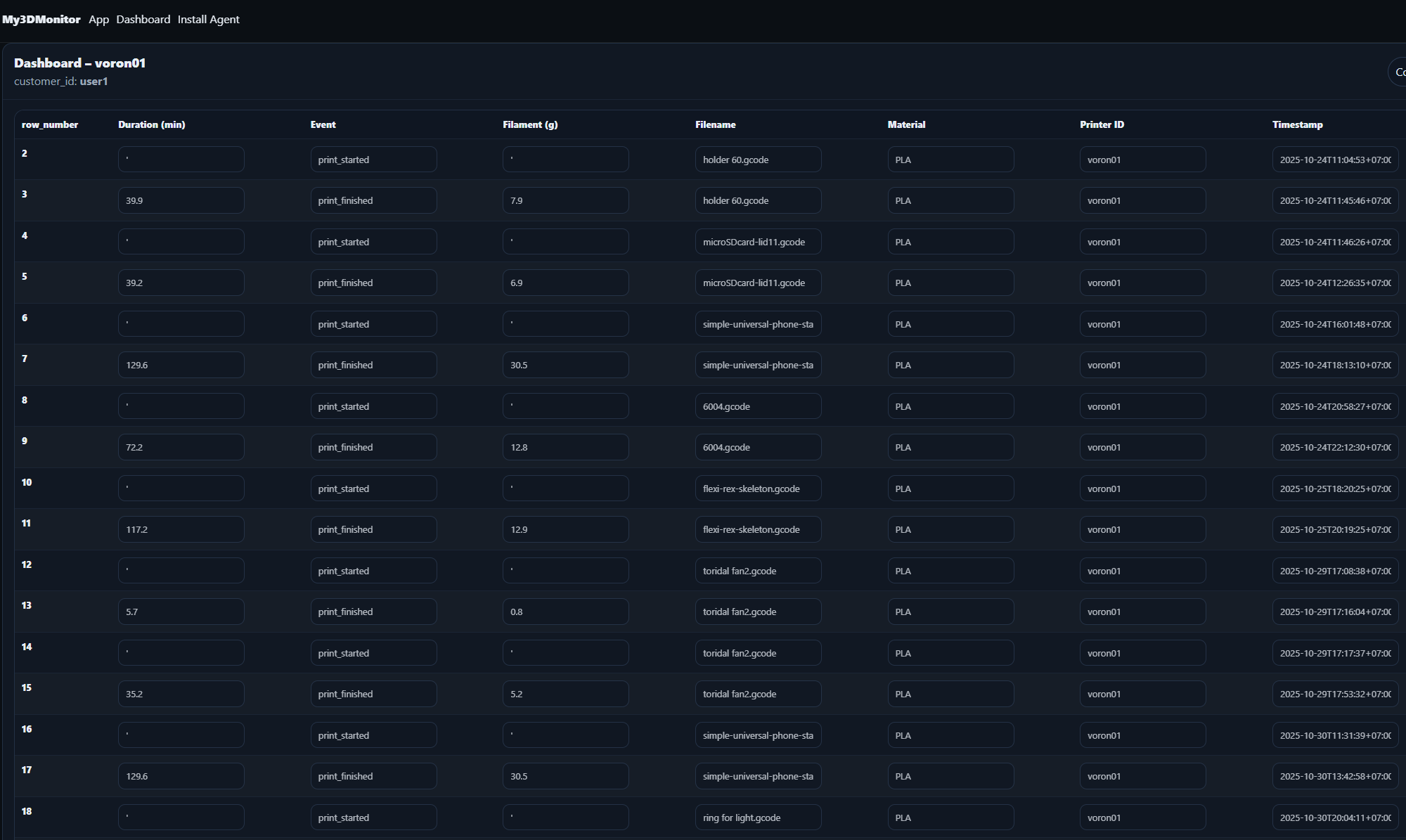
See total prints, failed jobs, runtime, printer status, and cost/profit signals in one place so daily decisions are faster and clearer.
My3DMonitor is a dashboard for makers, small print farms, and growing 3D printing businesses to monitor printers, track production, and understand cost and profit.
It is built for Klipper-based setups that use Moonraker. If your printers run Klipper and Moonraker, you can connect them through the agent.
Yes. The platform is designed around Klipper and Moonraker data, so your print events and status can be tracked automatically.
Cost is calculated from your CostInputs such as filament, electricity, maintenance, labor, and overhead, combined with real print data from your printers.
Yes. You can review prints by filename, set selling prices, and see unit and total profit so you know which files perform best.
Yes. It is useful for small print farms and growing teams that need one place to monitor multiple machines and daily output.
Setup is practical and straightforward: install the agent, connect your printers, then set your cost inputs in the dashboard.
Your printers begin sending events to My3DMonitor. You can then see status, production activity, and cost/profit reporting in your dashboard.
Yes. You should set your own CostInputs so reports match your real production conditions and pricing decisions are based on your actual numbers.
No. CostInputs are used for daily cost calculations. After a daily report is generated, past reports are not recalculated retroactively. Changes affect future reports only.